Requirement
Hospice meeting rooms usually multi-function to support
- Training including on-line training
- Presentations to donors / board members
- Fund-raising events
- Internal meetings
- Video conferencing
Technology
With the advent of laptop software such as Zoom and Teams, any meeting room with Wi-Fi can be used for personal training and video-conferencing so that elaborate systems are no longer required for individual use.
Larger rooms for more people require more sophisticated systems.
4- 6 people
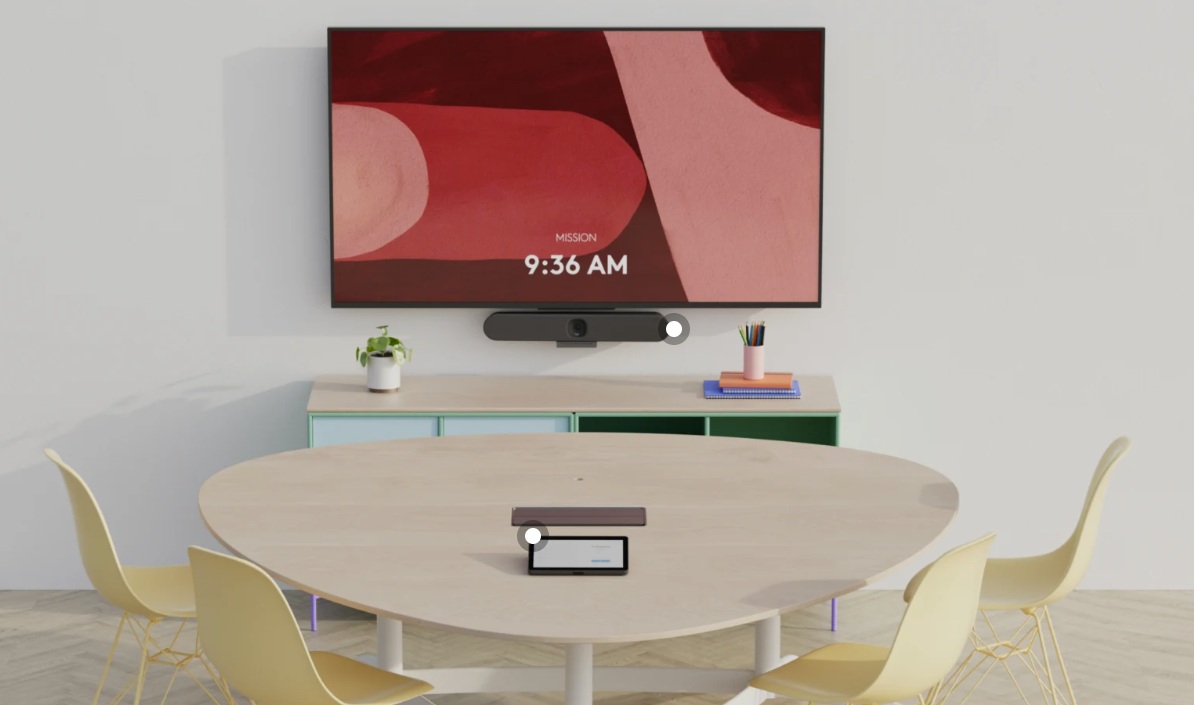
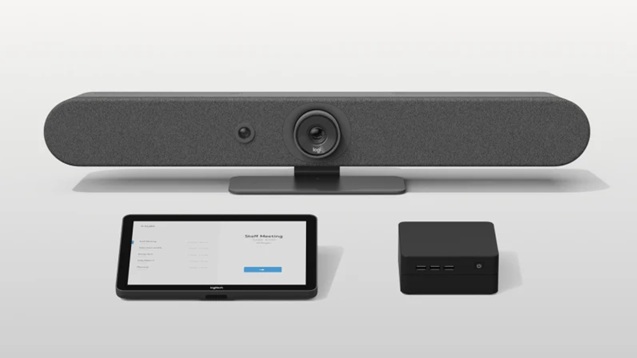
A 6- inch display and an all-in-one system. For example the Logitech Rally Bar Huddle (camera, microphone and speakers) Logitch TAP IP ( room controller) and small fan-less personal computer. Using Zoom, MS Teams or Google Meet, the room PC is invited to join the meeting and the presenter uses their own laptop to present (with their laptop and speaker switched off). This set-up makes it very simple for the presenter to start the training session using their own laptop.
8-10 people
For a larger room an audio-visual consultant should be engaged to consider the lighting, acoustics and the technology. The larger Logitech Rally Bar will support one or two screens. However when using Zoom, MS Teams or Google Meet, a single large 75-inch screen is a better choice. The Rally Bar has two cameras and one has a zoom facility, it can zoom in on the person speaking. A larger meeting room will require additional microphones which can be table-top or ceiling mounted. Visiting presenters, who do not have access to the secure hospice network, will need Barco ClickShare or a similar system to allow them to present from their laptop.
4-person room
Logitech Rally Bar, TAP IP and PC